
Professional Resume Templates
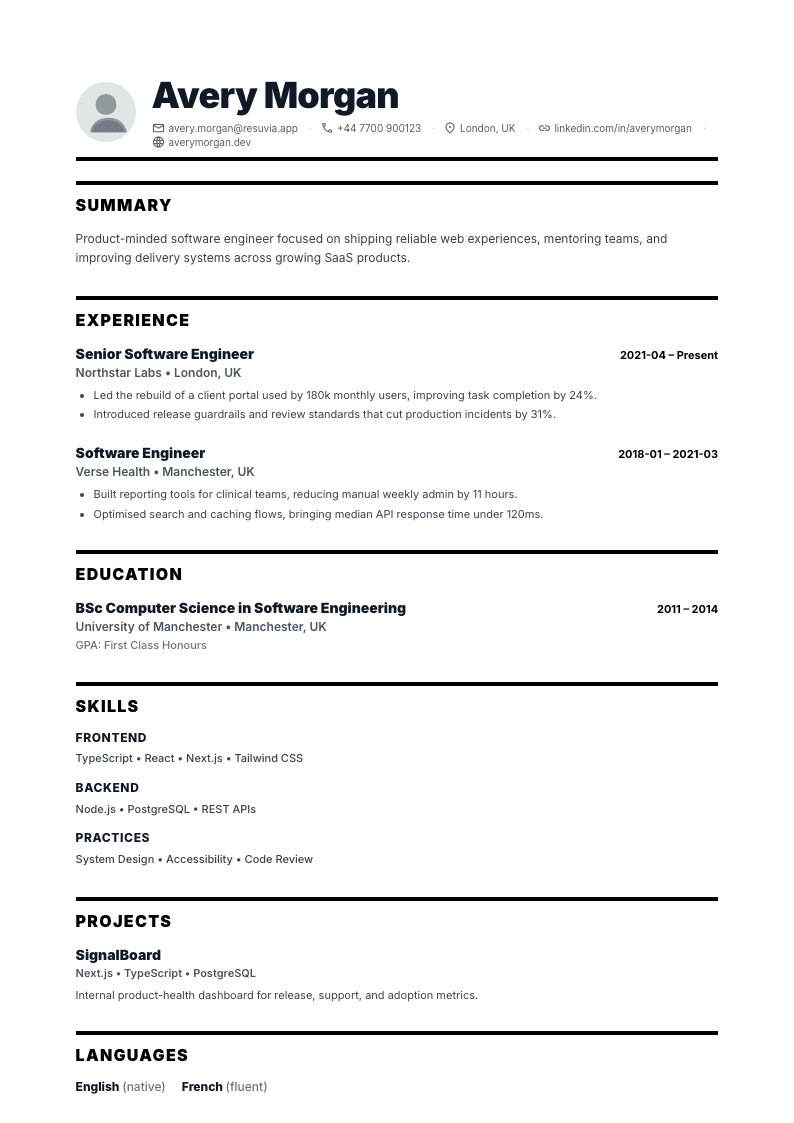
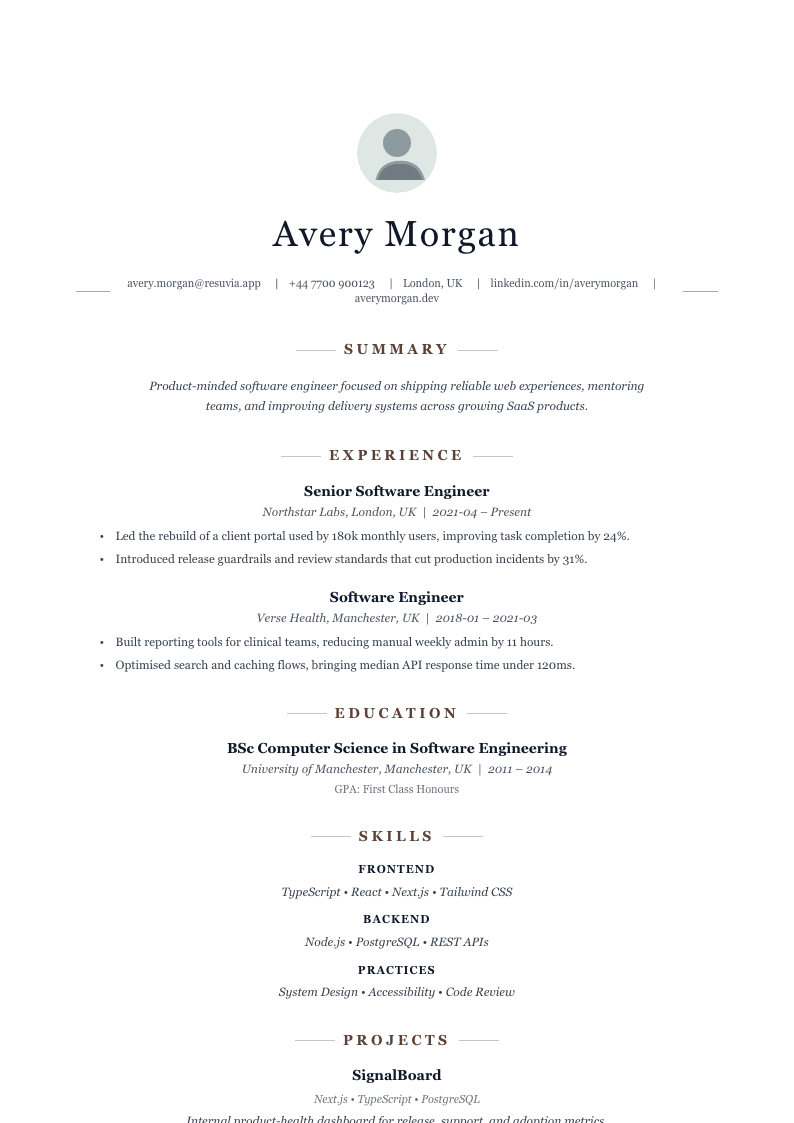
Choose from 10 professionally designed templates each one tested for real-world hiring. Our ATS-friendly layouts pass applicant tracking systems used by 98% of Fortune 500 companies, while our creative designs help you stand out in fields where visual presentation matters.
All templates produce pixel-perfect PDFs with selectable text. All 10 templates are free for everyone.
How to choose the right template
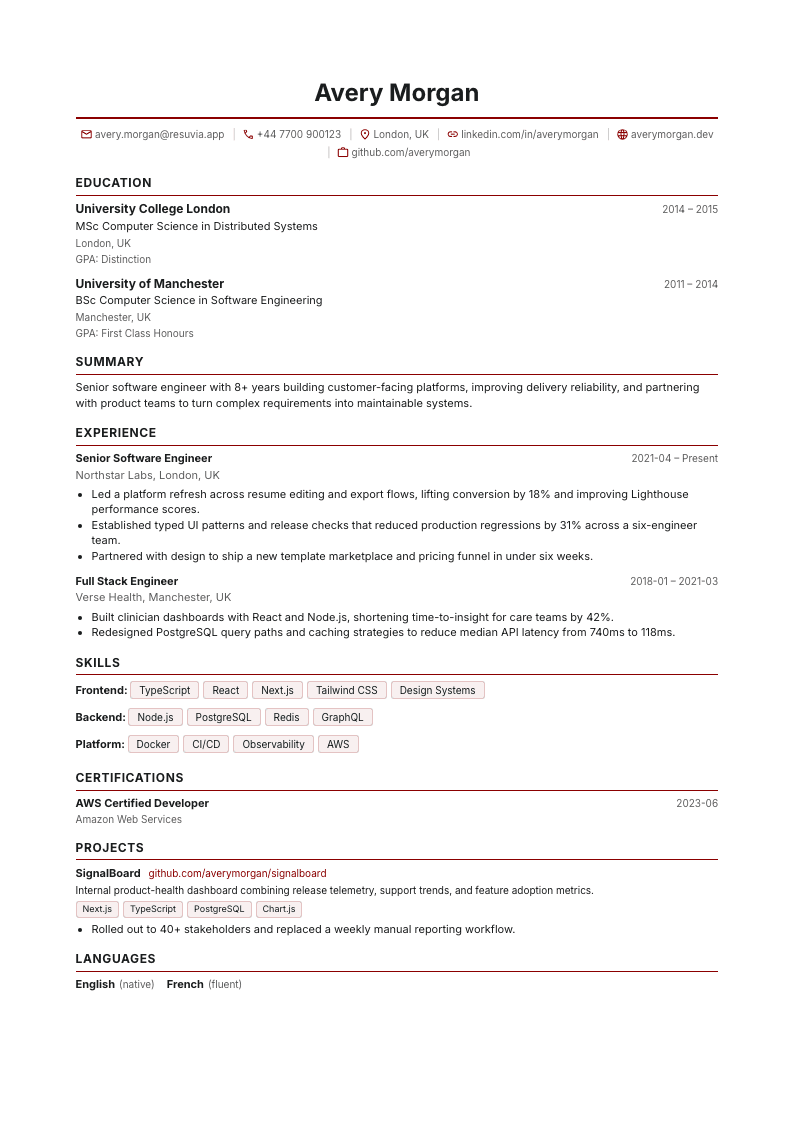
ATS-Friendly Templates
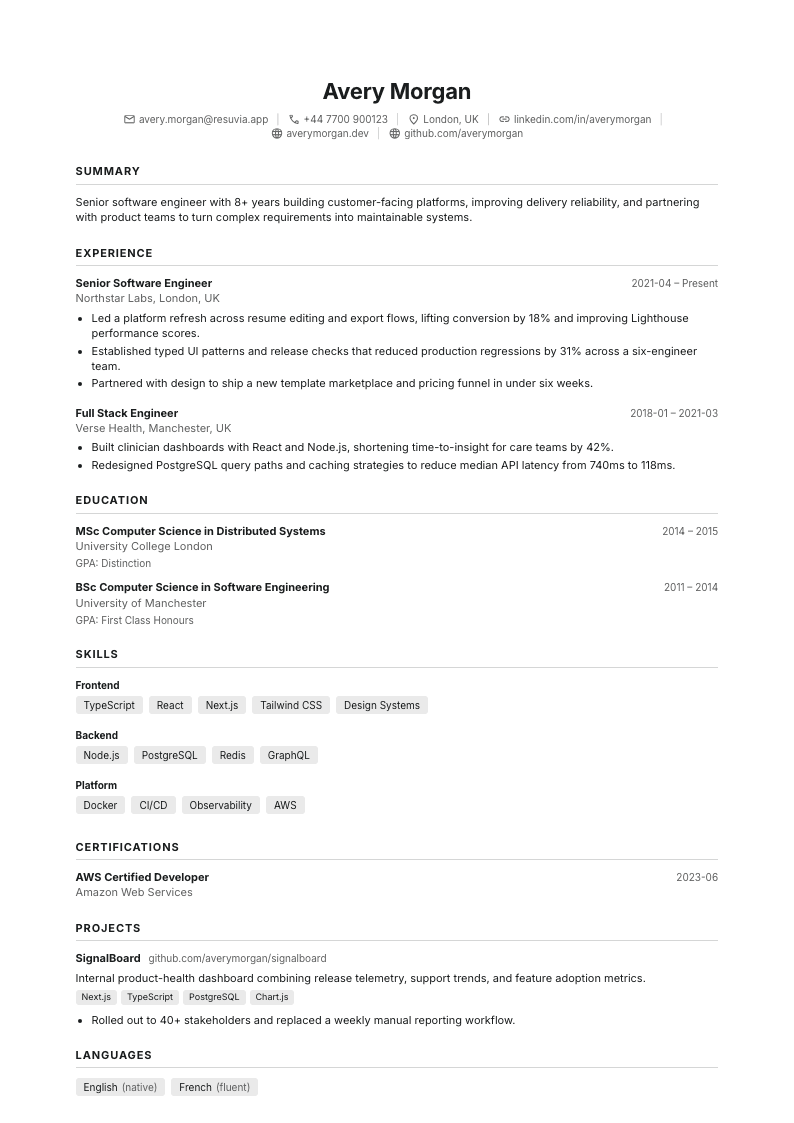
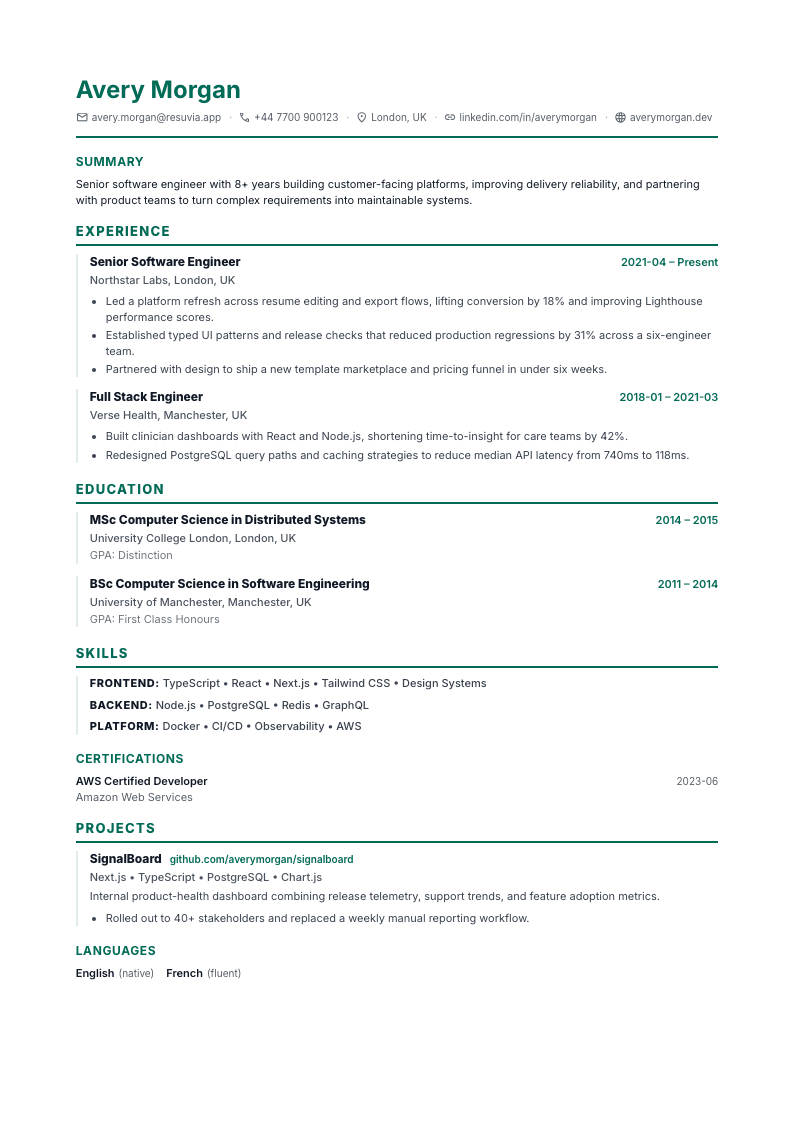
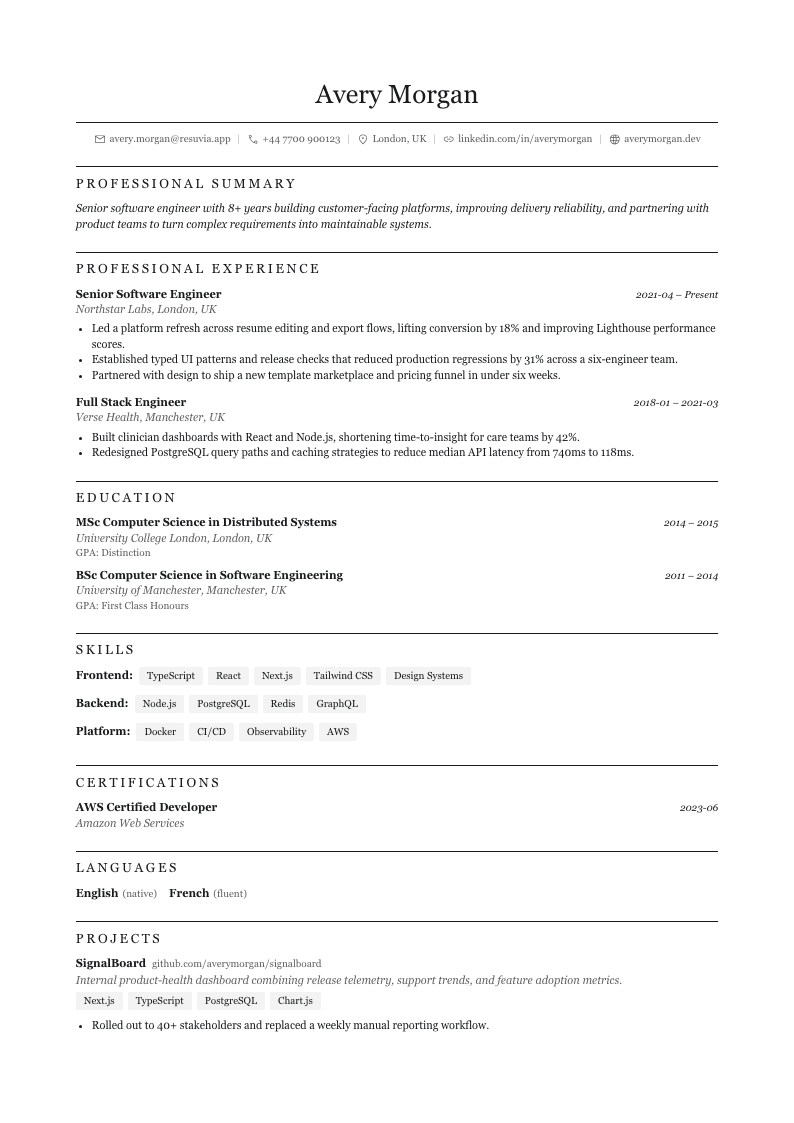
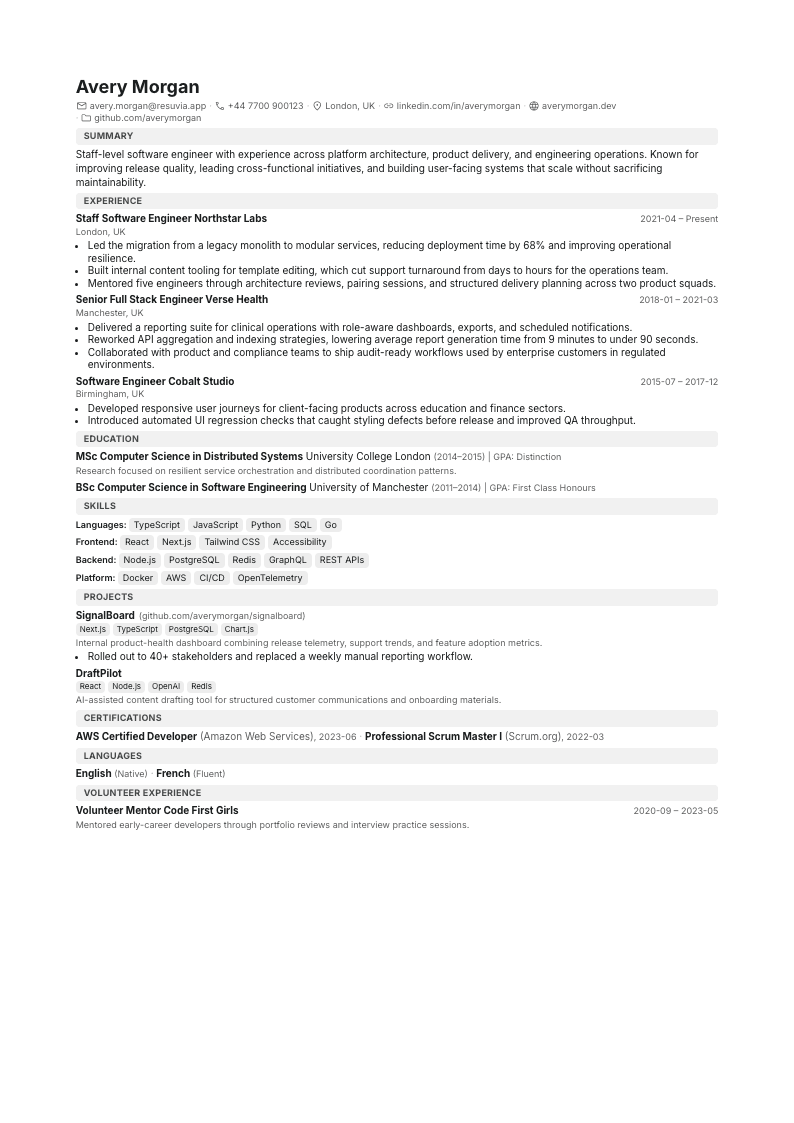
Clean, single-column layouts designed to pass applicant tracking systems. These templates use standard section headings and simple formatting that automated parsers read without errors ideal for online applications at any company.
Creative Templates
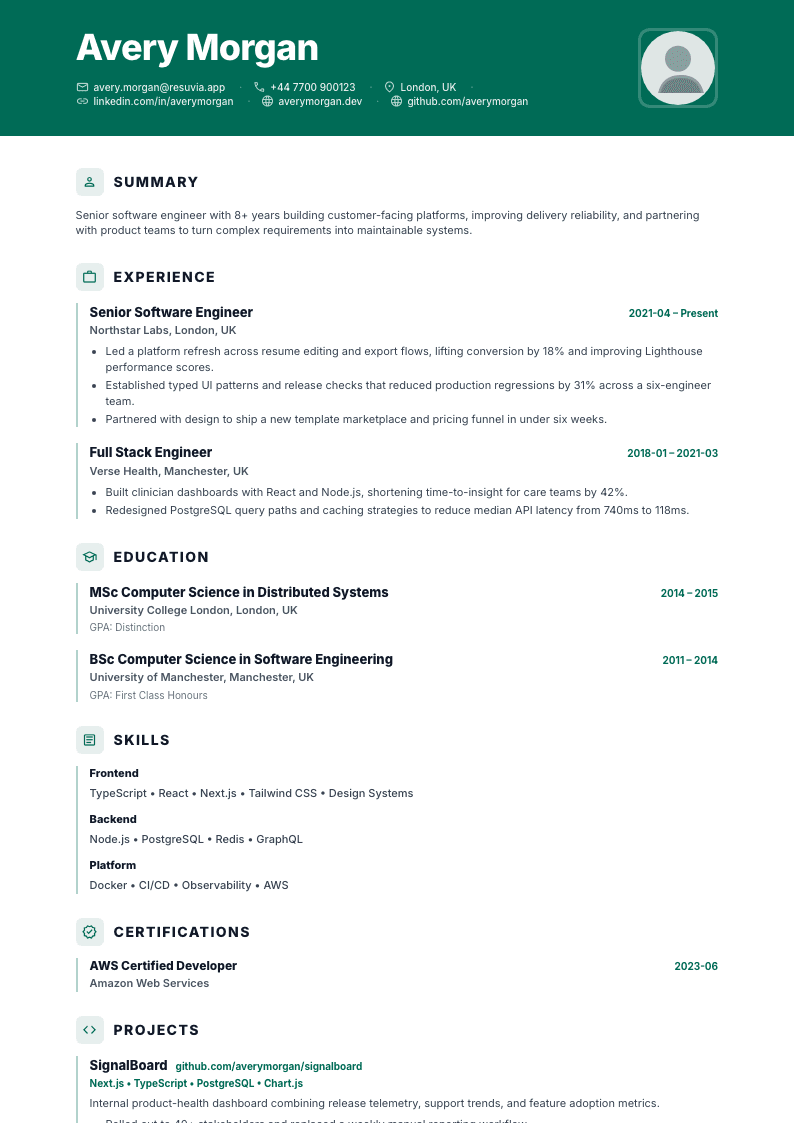
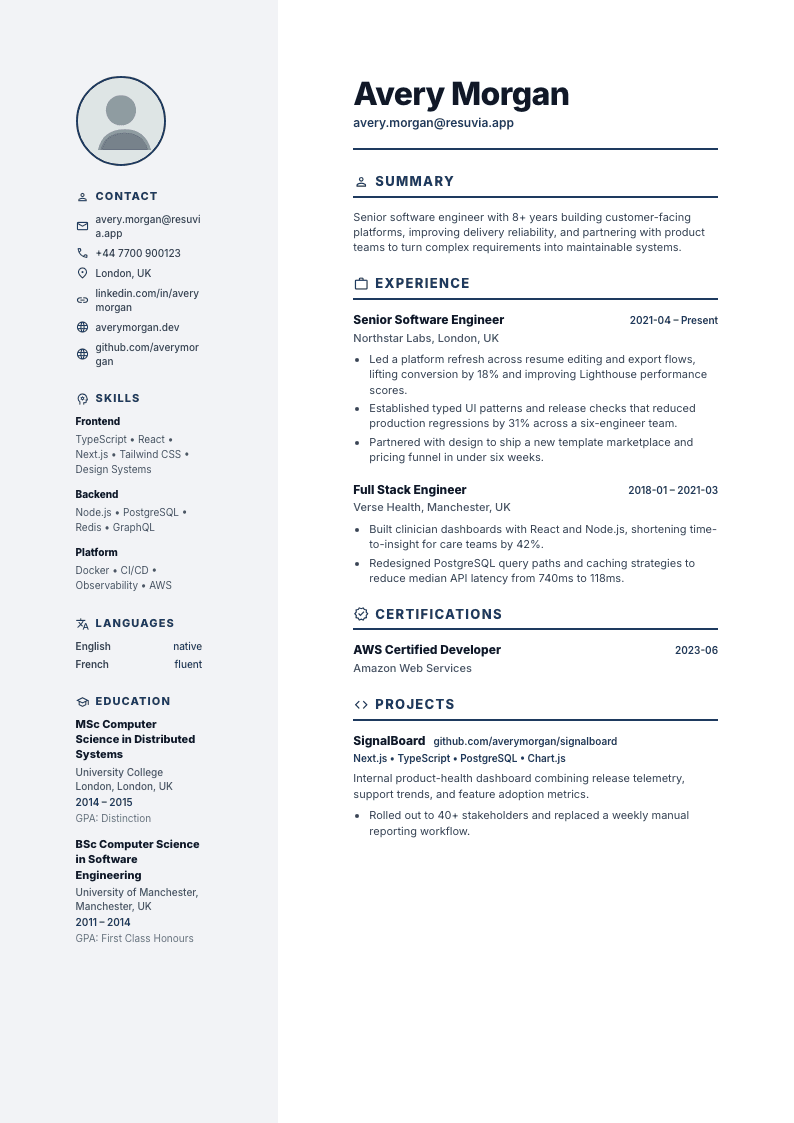
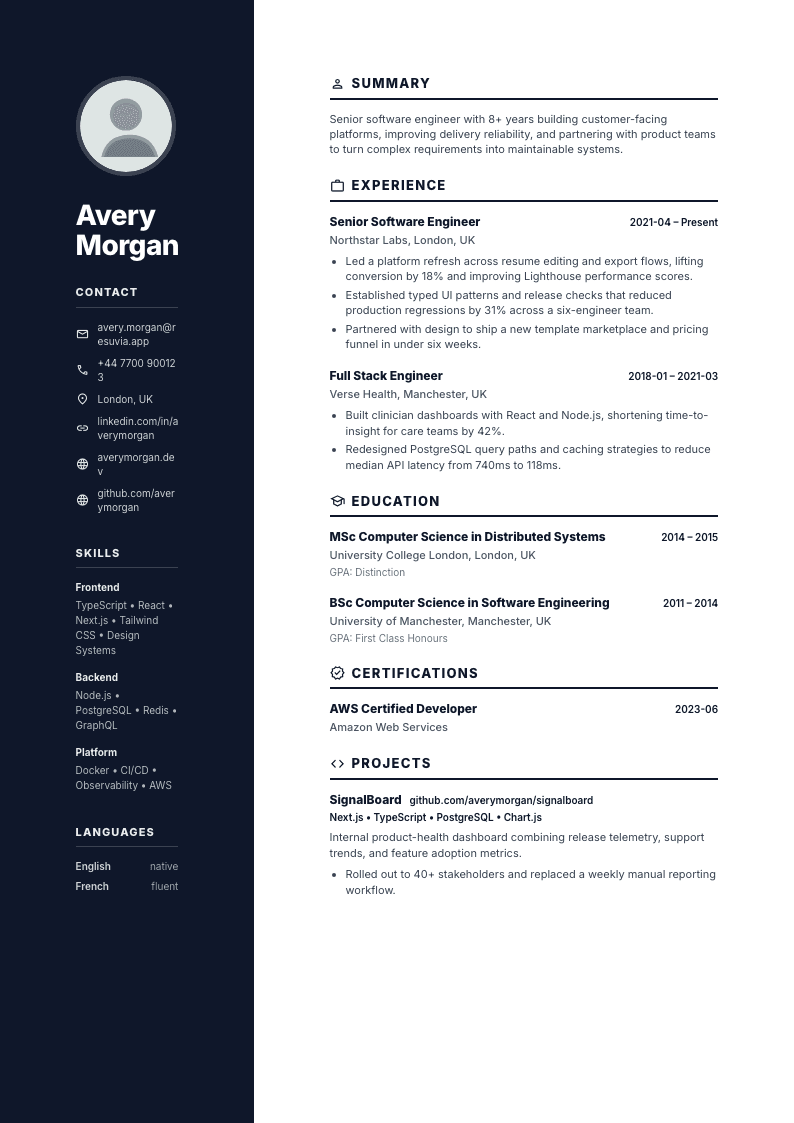
Bold designs with colour accents, multi-column layouts, and strong visual hierarchy. Best for design-focused roles, direct submissions to hiring managers, or any situation where your resume is judged visually as much as it is read.
Questions
Template FAQs
Common questions about choosing and using resume templates.
An ATS-friendly template uses a clean, single-column layout with standard section headings (Experience, Education, Skills) that applicant tracking systems can parse reliably. It avoids tables, multi-column layouts, headers/footers, and decorative elements that can confuse automated parsers. Resuvia's 5 ATS templates Minimal, Modern, Classic, Compact, and Harvard are all tested against common ATS systems and rated 'high' for compatibility.
Yes. You can switch between any available template at any time without losing your content. Your text, sections, and formatting preferences carry over automatically. This makes it easy to experiment with different looks or switch from a creative template to an ATS-friendly one before submitting an application.
ATS templates prioritise machine readability they use single-column layouts, standard fonts, and simple formatting that applicant tracking systems can parse without errors. Creative templates prioritise visual impact they use multi-column layouts, colour accents, sidebars, and bold typography to make your resume stand out visually. If you're applying through an online portal, use an ATS template. If you're handing your resume directly to a hiring manager or applying in a design-focused field, a creative template may be more appropriate.
For corporate, finance, legal, or government roles, use an ATS template like Classic or Harvard. For tech and engineering roles, Modern or Compact work well. For creative industries (design, marketing, media), consider Accent or Bold. For academic positions, Harvard is designed specifically for education-first CVs. When in doubt, the Modern template offers a good balance of professionalism and visual appeal with high ATS compatibility.
Yes. All 10 templates — 5 ATS-friendly and 5 creative — are completely free on every plan. You can switch between them anytime. There are no watermarks, no locked designs, and no template-related upsells.
Yes. Every template supports custom accent colours that you can change from the Format sidebar in the editor. You can also adjust font family (serif, sans-serif, or monospace), line spacing, and page margins. These settings apply instantly and are preserved when you export your resume.
Found your template?
Sign up free and start building your resume with any of our professional templates. Switch templates anytime without losing your content.